# AI Data Query Visualization
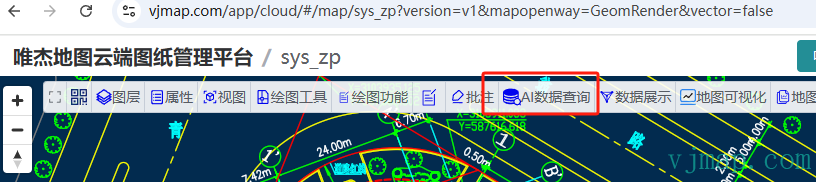
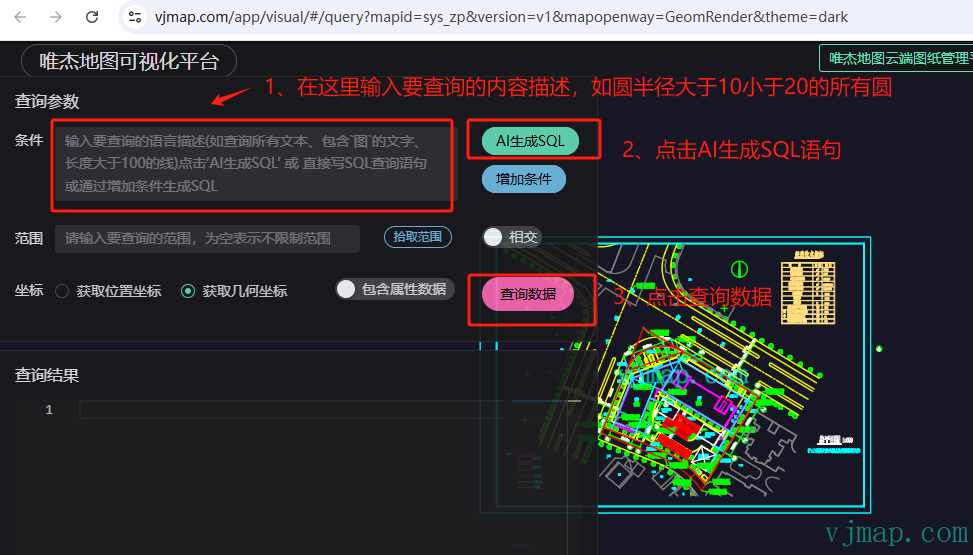
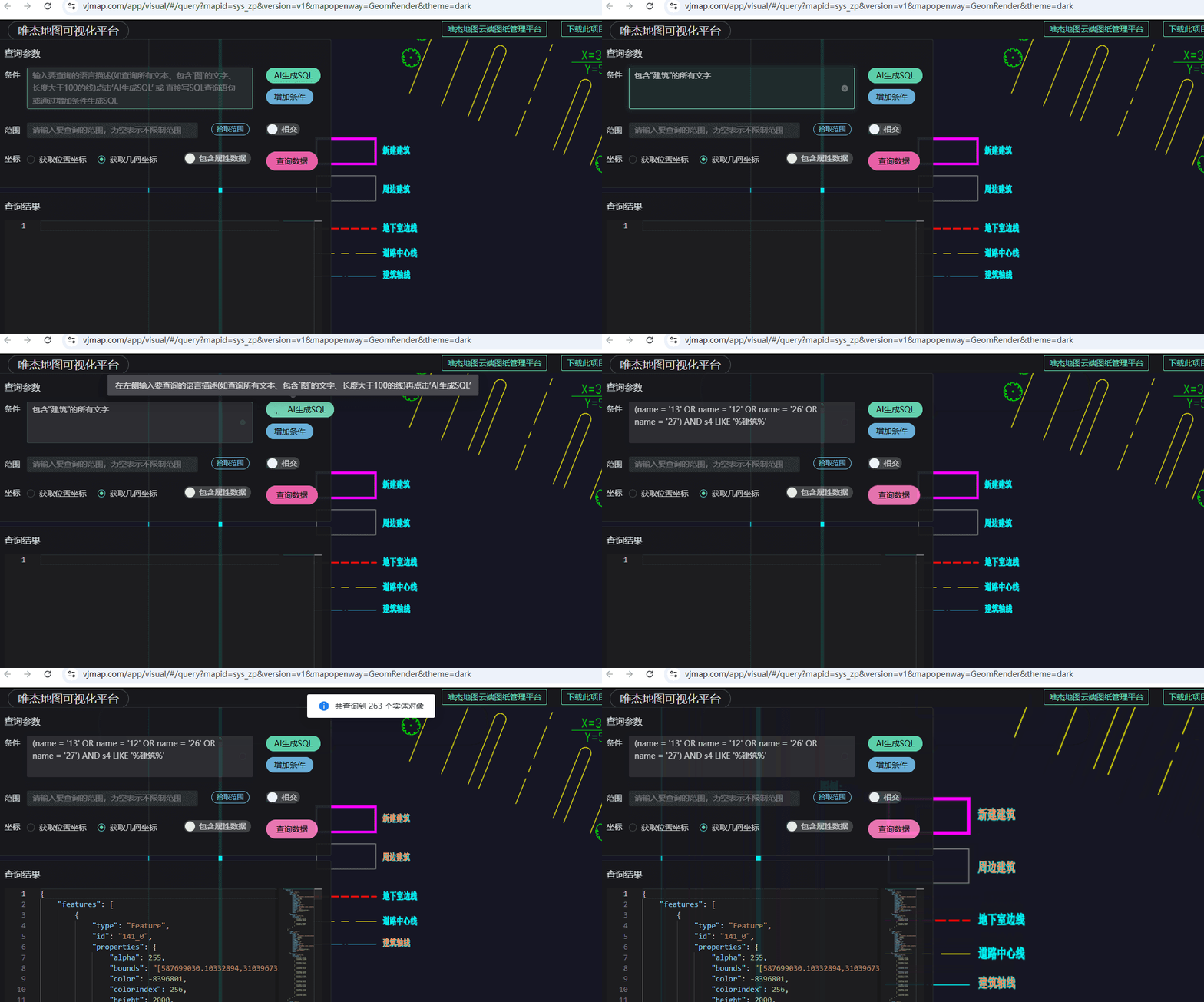

In the VJMap Cloud Management Platform (opens new window), open a map and click AI Data Query in the toolbar to enter the AI Data Query Visualization Tool.
Example URL: https://vjmap.com/app/visual/#/query?mapid=sys_zp&version=v1&mapopenway=GeomRender&theme=dark (opens new window)
# Demo Tutorial
# Position Coordinates vs. Geometry Coordinates
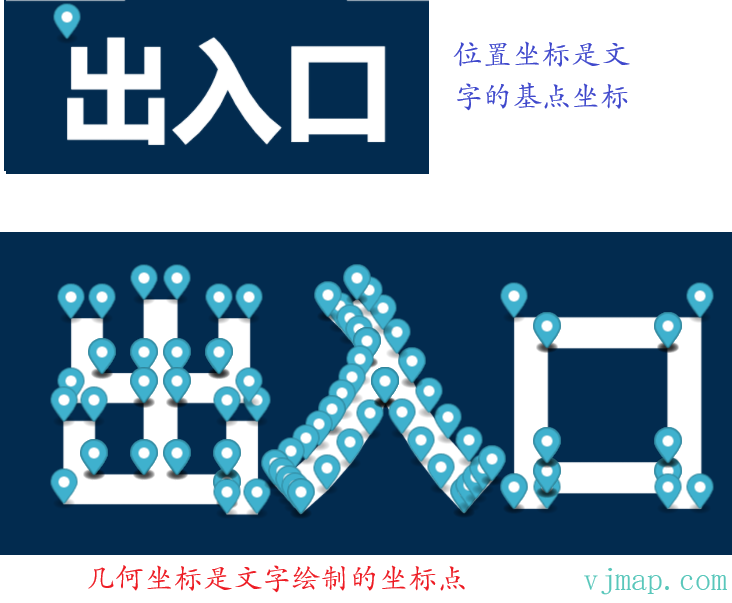
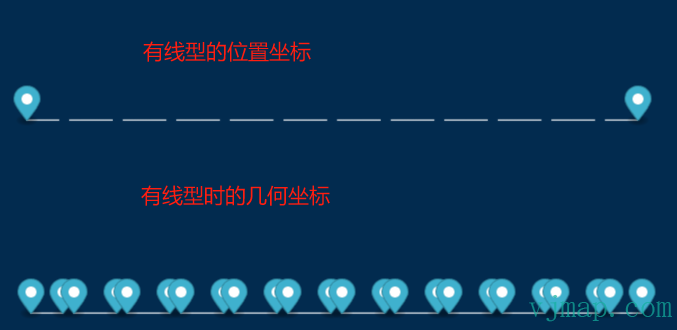
Position coordinates refer to the entity's own position coordinates. For example, for text, the position coordinates are the text base point; for a circle, they are the center; for a curve, they are control points or fit points.
Geometry coordinates refer to the actual rendered coordinates. For example, text is rendered as polygons, which are polygon array coordinates. Circle geometry coordinates are discretized into polyline coordinates. Curve geometry coordinates are also discretized into polyline coordinates. For lines or polylines without line width or linetype, position coordinates and geometry coordinates are the same. With line width, geometry coordinates return the polygon object of the drawn line. With linetype, geometry coordinates include all entity objects that draw the linetype.