
AI Agent Platform
Turn one sentence
into map & drawing apps
A GIS / CAD AI agent that draws maps and reads drawings. Describe what you need in one sentence — web maps and thematic maps, CAD drawing viewing and analysis, map animation videos or data dashboards — then preview the result instantly and share it with the community.
Make a choropleth map of resident population by city in Guangdong and highlight the top threeGet started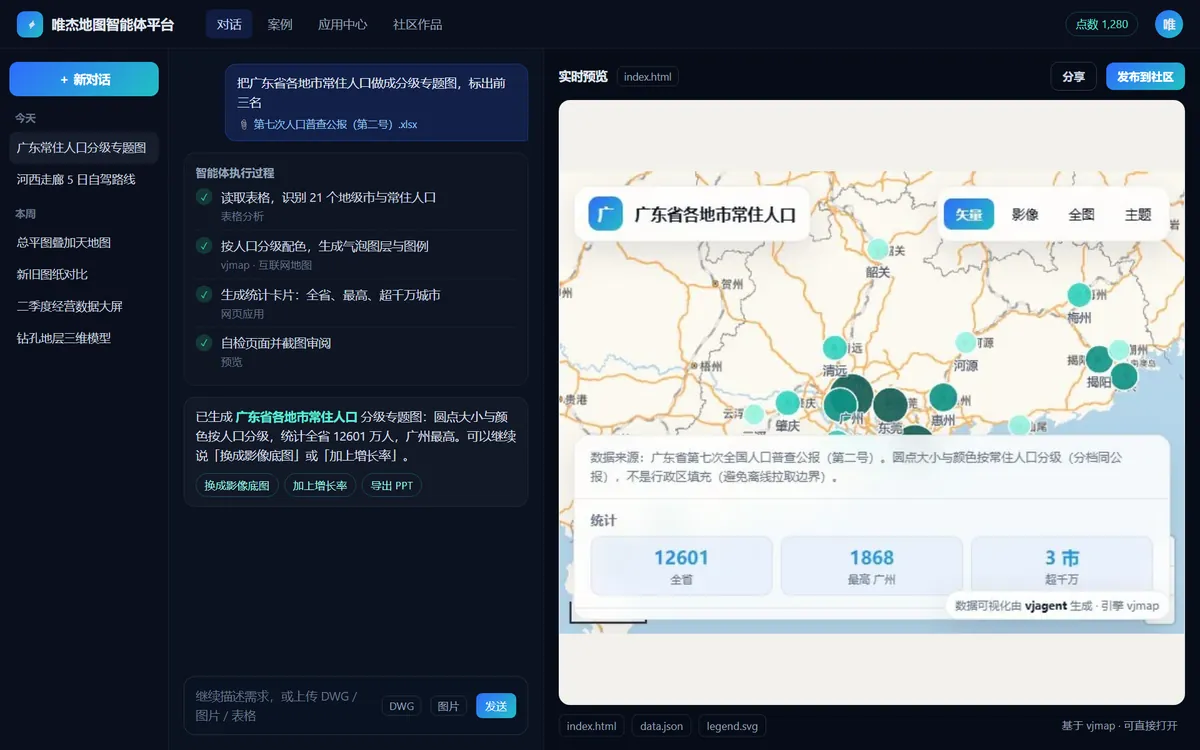
Outputs open instantly
Swap in your drawings & data
Say one sentence, the agent does the rest
From request to shareable app, all in one conversation
- 01
Describe it
Text, screenshots, drawings or spreadsheets all work; you can also click or box-select entities on the drawing before asking
- 02
Plan & use tools
The agent picks the right skills and apps and calls VJMAP Server for recognition, computation and page generation
- 03
Live preview
Results appear instantly in the right pane; keep chatting to refine, or undo and try again
- 04
Publish & remix
Publish to the community or share a link; others can remix it with their own data in one click
29 built-in use cases in 5 categories — one click to start
Use cases marked “Demo” let you watch the full conversation first, then continue
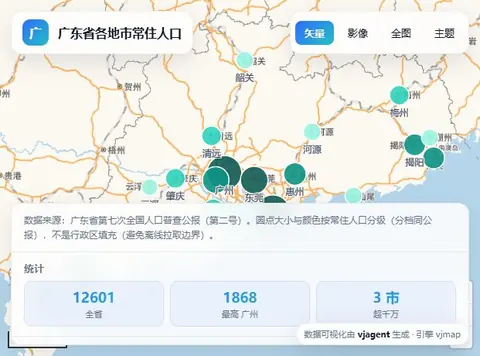
Thematic maps, live data, route stories, map animations and geocoding
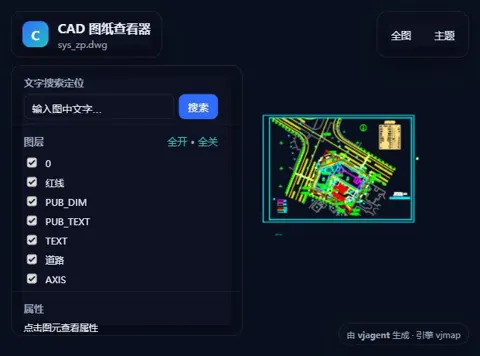
View, extract, compare, review, draw and overlay
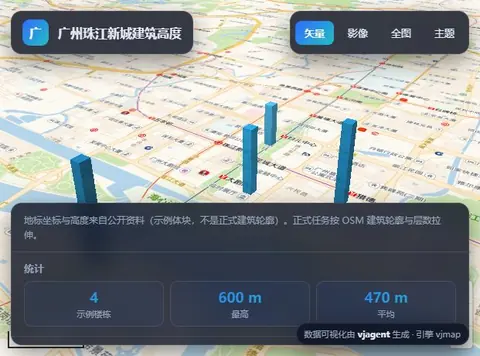
3D cities, 3D scenes from drawings, borehole strata, contours
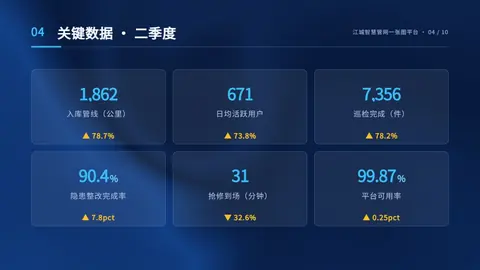
Spreadsheet analysis, OCR, reports / PPT / video
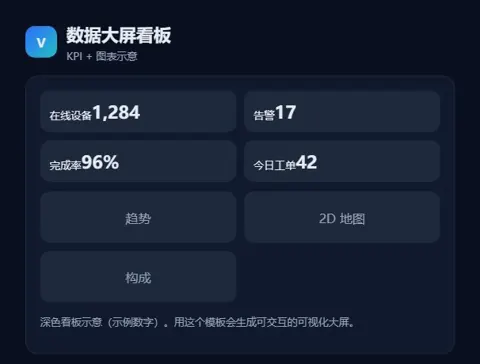
Interactive web apps and visual dashboards
Not just chat — a workbench that delivers
Chat workbench
Three-pane layout with chat, live preview, and files, plan and tool timeline. Sessions resume after disconnects, and prompts can be re-edited.
Multimodal input
Paste or drop in screenshots and the model can see them; upload spreadsheets and documents for the agent to process.
Three ways to load drawings
Pick from the drawing library, upload DWG / DXF, or let the agent pop up a drawing picker.
Select entities, then ask
Click, box or polygon select; selected objects are sent to the agent with your question, e.g. “How many more of these are in the drawing?”
Interactive widgets
The agent can pop up drawing pickers, options, confirmations, forms, file uploads and map point pickers, checking with you as it works.
Use cases & demo sessions
Click a template to fill in the prompt; demo sessions show the full process before you continue the conversation.
Community & remix
Publish, filter and like. Start as-is to reproduce a work, or swap in your own drawings, data or requirements to remix it.
App Center
8 AI apps ready to use on their own, also available to the agent as skills during a conversation.
Editor MCP
Cursor, Claude Code, Codex, Trae and more drive the platform via a tokenized MCP URL, with progress synced to the web session (admin must enable).
Open APIs
The OpenAI-compatible /api/ai/v1 and a headless Agent API let your systems call the agent directly.
Credits & free quota
Pay with credits, with a daily free quota; admins can enable guest access.
Security & isolation
Model keys stay in the gateway; outputs run in a sandbox, sensitive data is masked and every action is auditable.
Community works, one-click remix
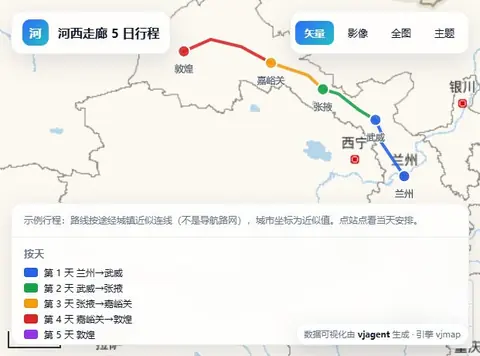
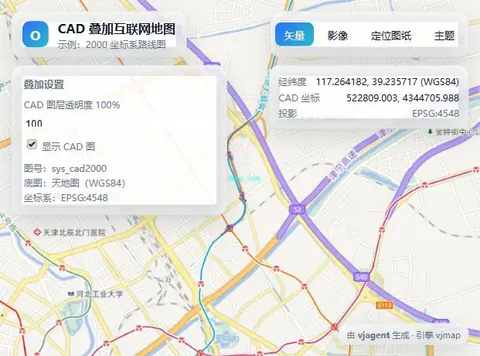
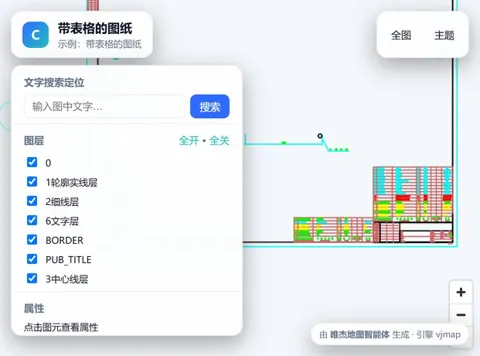
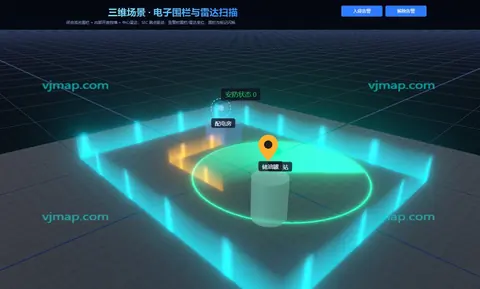
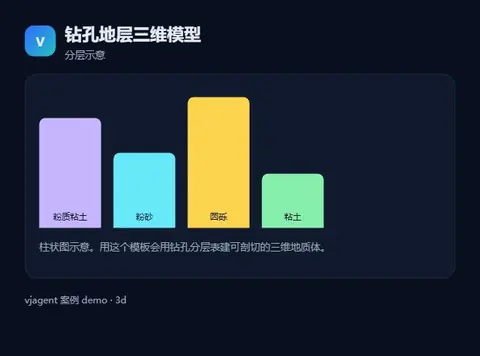
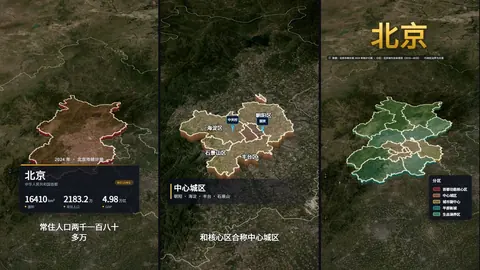
Every work below was generated by the agent from a single sentence
Four ways to use it
Use it on the web, or plug it into your editor and business systems
| Method | Best for | Details |
|---|---|---|
| Web chat | Everyone | Open vjmap.com/agent and sign in with your vjmap.com account |
| Editor MCP | Developers | Add the tokenized MCP URL in Cursor, Claude Code, Codex or Trae and drive the platform with your editor's model |
| OpenAI-compatible API | System integration | /api/ai/v1: chat/completions, embeddings, models |
| Headless Agent API | System integration | /api/ai/agent: create sessions, submit tasks, stream progress via SSE, fetch outputs |
FAQ
How much does it cost?
Usage is billed in platform credits. New users get free trial credits on sign-up plus a daily free quota; see the sign-in page for current details. Your vjmap.com account works on the AI Agent Platform too.
Can I use it without signing up?
Yes, once an admin enables guest access you can try it as a guest.
Can I use my own DWG drawings?
Yes. Upload DWG / DXF or pick from the VJMAP Server drawing library; you can also select entities on the drawing before asking.
Can I use it in Cursor or other editors?
Yes. The platform provides a tokenized editor MCP URL for Cursor, Claude Code, Codex and similar tools. Inference uses your editor's model, and progress syncs to the web session in real time. An admin must enable this feature.
Can our own systems call it?
Yes. The platform offers an OpenAI-compatible API and a headless Agent API, so your business systems can create sessions, submit tasks and fetch outputs directly.
Is private deployment supported?
Yes. We provide an all-in-one Linux image and an offline installer, so target machines need no internet access. Contact us for a deployment plan.
AI apps on the platform
Tell the agent your first request now
Sign in to start — your vjmap.com account works here.