
VJMAP
Turn DWG into a Web map
you can query and overlay
Work with CAD drawings the WebGIS way: the server parses DWG into vector and raster tiles, the browser renders them with WebGL, and layers, blocks, text and annotations stay intact. Query, annotate and draw, overlay Tianditu and Amap, and use one API for both 2D and 3D.
npm install vjmapor via CDN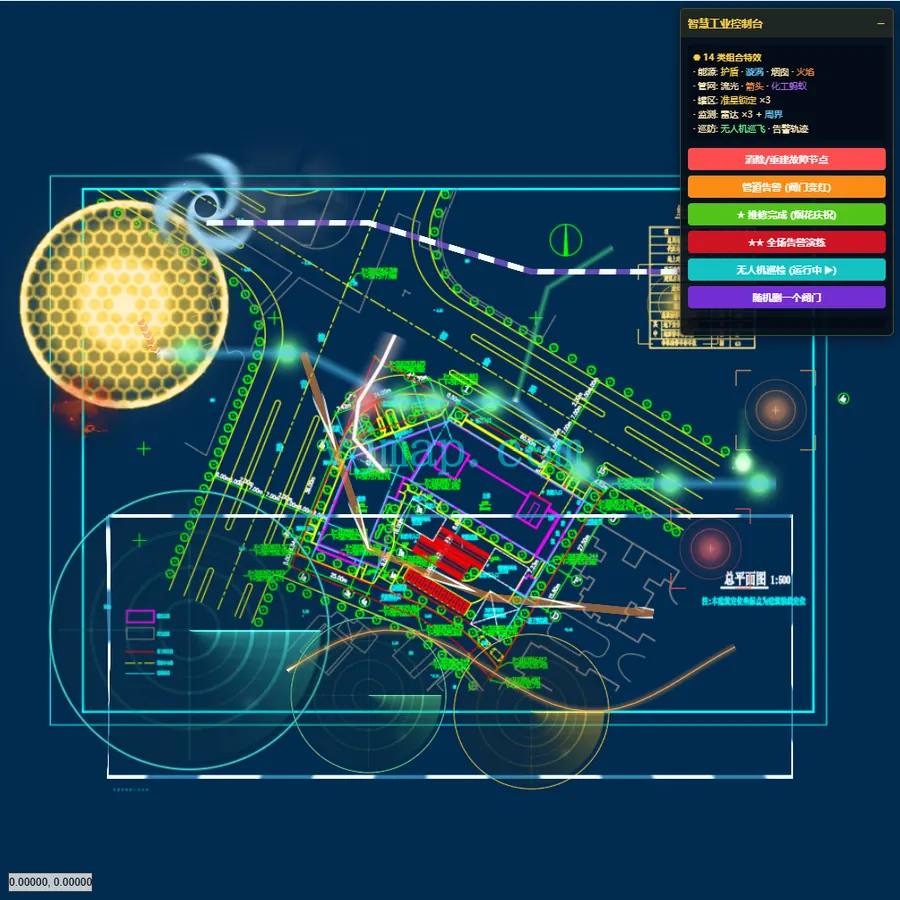
Layers / blocks / text intact
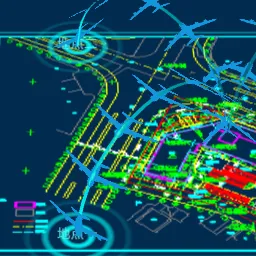
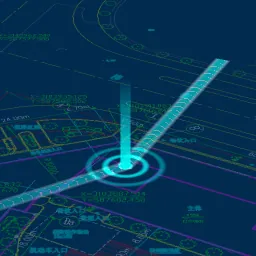
Pipe flow · halos · panels
From a DWG file to your Web app
No format conversion, no data loss: the server parses and tiles, the browser just renders and interacts
CAD Drawings
- Original DWG / DXF files
- Upload or server folder
- Versions & workspaces
VJMAP Server
- C++ core parses DWG
- Vector / raster tiles, WMS / WMTS
- Spatial index & queries
- Full-text search & AI APIs
vjmap.js
- WebGL vector rendering
- Overlays, drawing, measuring
- Animation & visual layers
- Coordinate transformation & projection
Your App
- Vanilla JS / Vue / React
- Admin apps, dashboards, mobile
- 2D ⇄ 3D (VJMAP3D)
Internet Map Overlay
Overlay or switch between Tianditu, Amap, Baidu Maps, OSM and CAD drawings, with automatic conversion between CAD plane coordinates and WGS84 / GCJ-02 / CGCS2000.
AI-Native
Docs MCP, Agent Skills and llms.txt let Cursor and Claude Code write working vjmap code out of the box.
Open a CAD drawing in a dozen lines
A Mapbox GL-style API that WebGIS developers can pick up instantly.
- 1ConnectCreate a
vjmap.Servicewith the server URL and token - 2Open the drawingOpen by mapid with
svc.openMap, as geometry or raster - 3Create the mapSet up the projection, create a
vjmap.Mapandattach
let svc = new vjmap.Service(env.serviceUrl, env.accessToken)
let res = await svc.openMap({
  mapid: "sys_cad2000",
  mapopenway: vjmap.MapOpenWay.GeomRender, // open with geometry rendering
  style: { backcolor: 0 }
})
if (res.error) message.error(res.error)

let mapExtent = vjmap.GeoBounds.fromString(res.bounds)
let prj = new vjmap.GeoProjection(mapExtent)
let map = new vjmap.Map({
  container: "map",
  style: svc.rasterStyle(),
  center: prj.toLngLat(mapExtent.center()),
  zoom: 2,
  renderWorldCopies: false
})
map.attach(svc, prj)
await map.onLoad()
map.addControl(new vjmap.NavigationControl())
// Build a Tianditu tile URL reprojected to CAD coordinates
const tileUrl = svc.webMapUrl({
  tileCrs: "wgs84",
  tileUrl: ["https://t{s}.tianditu.gov.cn/DataServer?T=vec_w&X={x}&Y={y}&L={z}&tk={t}"],
  tileSize: 256, tileMaxZoom: 18,
  tileToken: ["your Tianditu tk"],
  mapbounds: res.bounds,
  srs: "EPSG:4527"
})
map.addSource("web-tdt-source", { type: "raster", tiles: [tileUrl], tileSize: 256 })
map.addLayer({ id: "web-tdt-layer", type: "raster", source: "web-tdt-source" })
// Move it below all other layers
map.moveLayer("web-tdt-layer", map.getStyle().layers[0].id)
Everything a CAD map app needs, built in
Native DWG, No Conversion
Load DWG / DXF directly, keeping layers, blocks, linetypes, text and annotations; open as vector tiles, raster tiles or in memory.
High-Performance WebGL
GPU vector rendering with seamless, lossless zoom across massive entity counts; large drawings load tile by tile on demand.
Queries & Geometry
Query entities by layer, entity type or expression; compute buffers, nearest points, paths, contours and more.
Overlays & Interaction
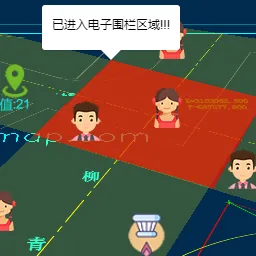
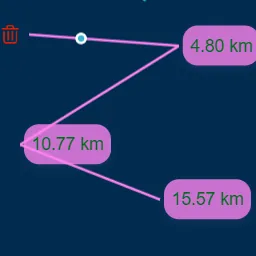
Markers, info windows, context menus, drawing toolbar, distance and area measurement, plus a complete event system.
Internet Map Overlay
Tianditu, Amap, Baidu Maps and OSM with automatic coordinate conversion; overlay or switch between CAD and internet maps.
Visualization Layers
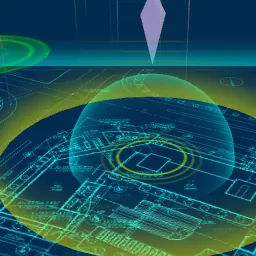
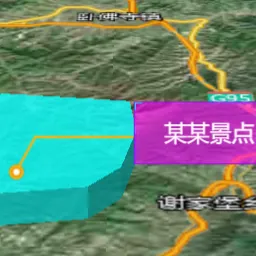
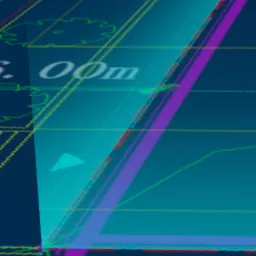
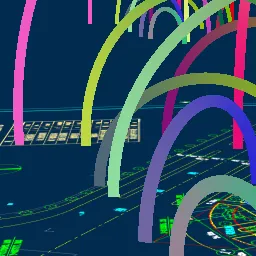
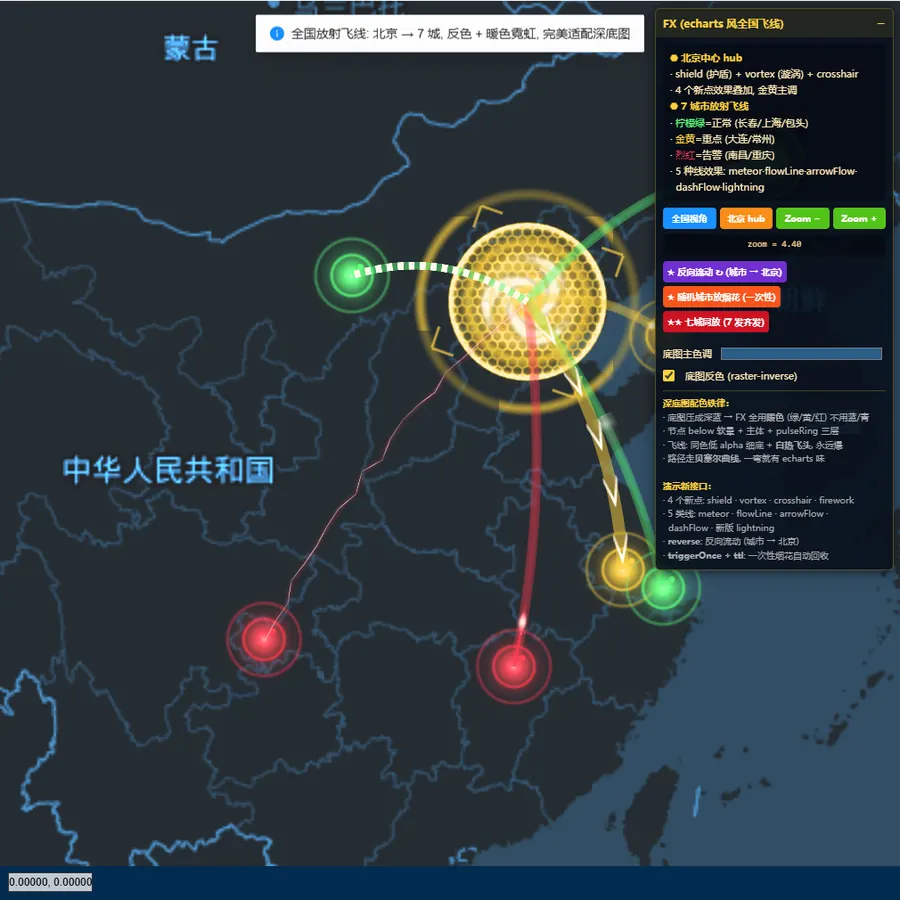
deck.gl, L7 and three.js layers for flight lines, light pillars, 3D light walls, animated arrows and more.
Multi-Engine Integration
Load VJMAP CAD tiles in OpenLayers, Leaflet, Maptalks or Cesium; select, upload and switch layers.
Full-Text & Semantic Search
Search text inside drawings in seconds, and find drawings and entities with AI semantic search.
AI-Friendly Development
Official MCP, Agent Skills and llms.txt help AI coding assistants write vjmap code following best practices.
391 examples, ready to run
Edit any example's code online and preview it live
Platforms & extensions built on VJMAP
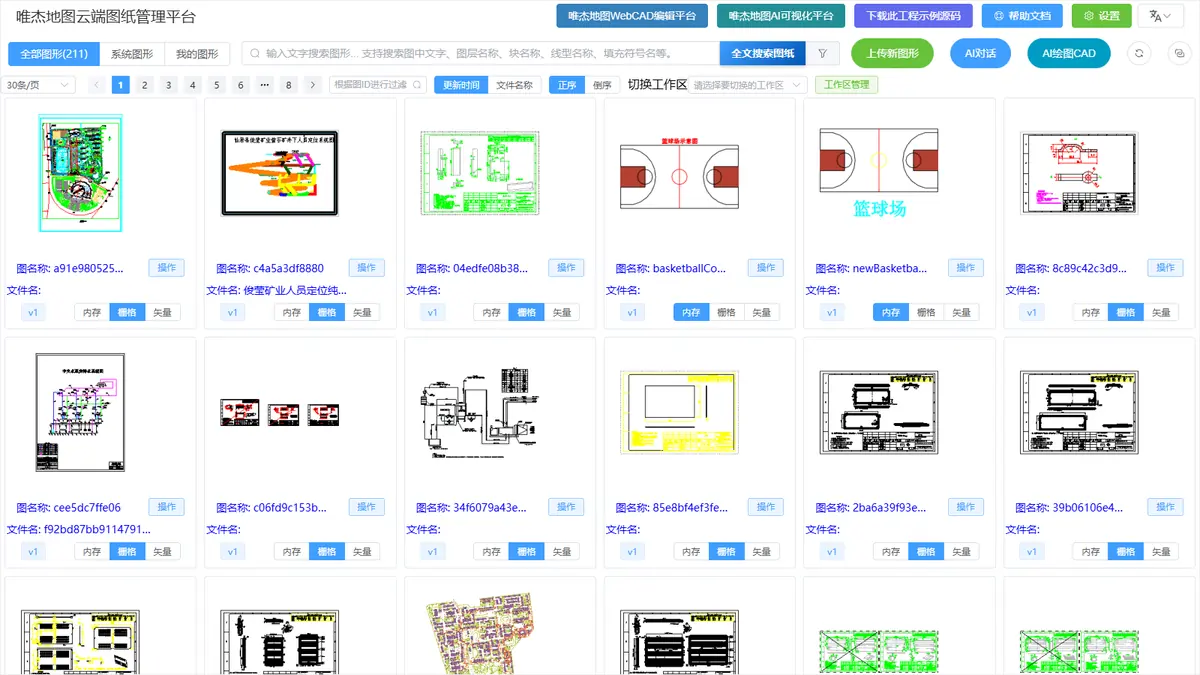
VJMAP Cloud Platform
Upload DWG files, manage versions and workspaces, find drawings by full-text search, and view and share online. Includes Vue3 + TS sample source code to kick-start your project.
VJMAPEXT Extension
Adds CAD editing to vjmap maps: entities, commands, snaps and grips, undo/redo and serialization, plus GPU effects for striking drawing visualizations.
Developer Resources
FAQ
Do I need AutoCAD or a file conversion first?
No. VJMAP Server parses DWG / DXF directly and generates vector or raster tiles for the browser to render, preserving layers, blocks, linetypes, text and annotations.
Can I overlay internet maps like Tianditu or Amap?
Yes. CAD drawings can be overlaid with, or switched to, Tianditu, Amap, Baidu Maps and OSM, with conversion between CAD plane coordinates and WGS84, GCJ-02, BD-09, CGCS2000 and other coordinate systems.
Can I deploy on-premises? Which environments are supported?
Yes. VJMAP Server runs on Windows, Linux and Docker, supports AMD64 / ARM64, and is certified for domestic Chinese (Xinchuang) platforms such as Kylin, UnionTech UOS, Kunpeng, Phytium and Loongson.
Can I use Vue or React on the front end?
Yes. vjmap is a framework-agnostic JavaScript library that works with vanilla JS, Vue and React; a complete Vue3 + TS sample project is available for download.
Already using OpenLayers, Leaflet or Cesium?
Keep using them. VJMAP can load CAD tiles in OpenLayers, Leaflet, Maptalks and Cesium, with examples for each.
How do I get a license and a quote?
Contact us via the WeChat official account or support WeChat at the bottom of this page, and we'll tailor a proposal to your deployment and project size.
Put your first DWG on the Web today
Follow the guide and be up and running in ten minutes. Questions? Ask VJMAP AI anytime.