
AI Visualization Platform
Dashboards, maps, SCADA and 3D,
all in one project
Drag in components, bind data and configure interactions, then export a single project file to play in the runtime or embed in your business systems with the SDK. The editor and runtime share one renderer, so what you build is exactly what you publish. With full MCP support and a built-in AI assistant, both people and AI can build and edit pages.
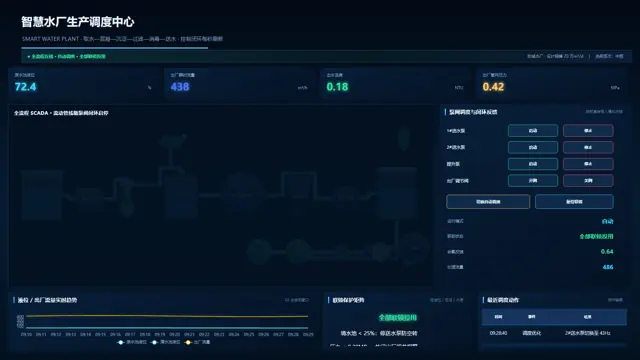
Build a smart water plant dispatch dashboard with a SCADA process flow on the left and live metrics on the rightGet started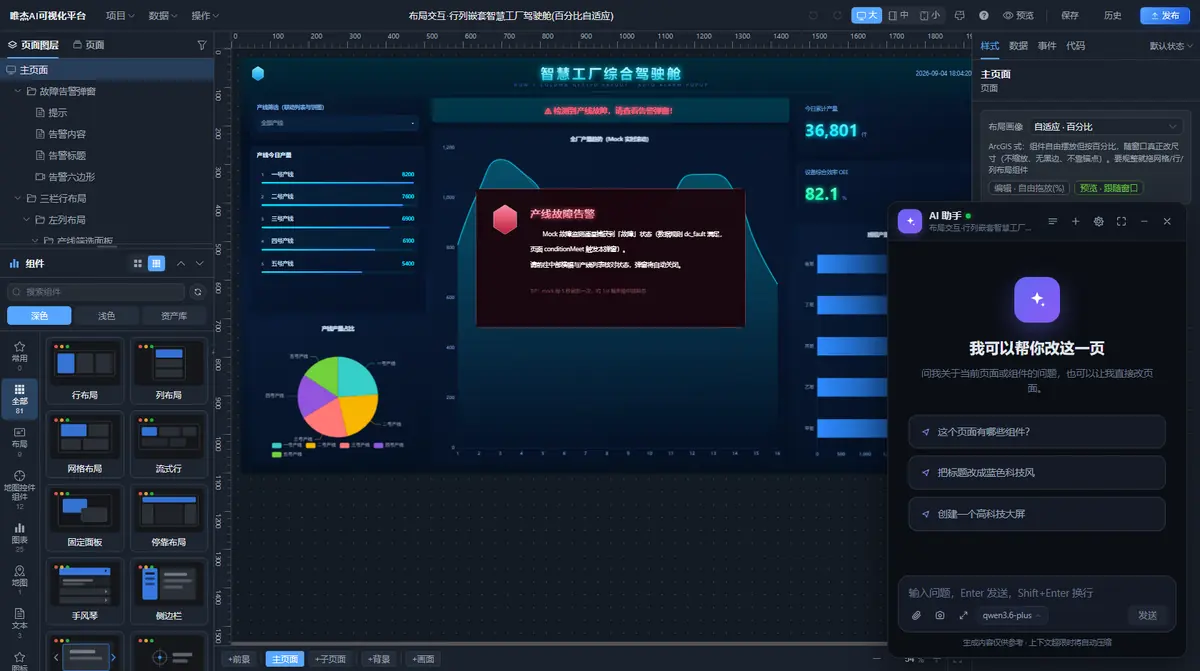
Let AI control this page
Connect Cursor and more
From template to live in four steps
- 01
Start from a template
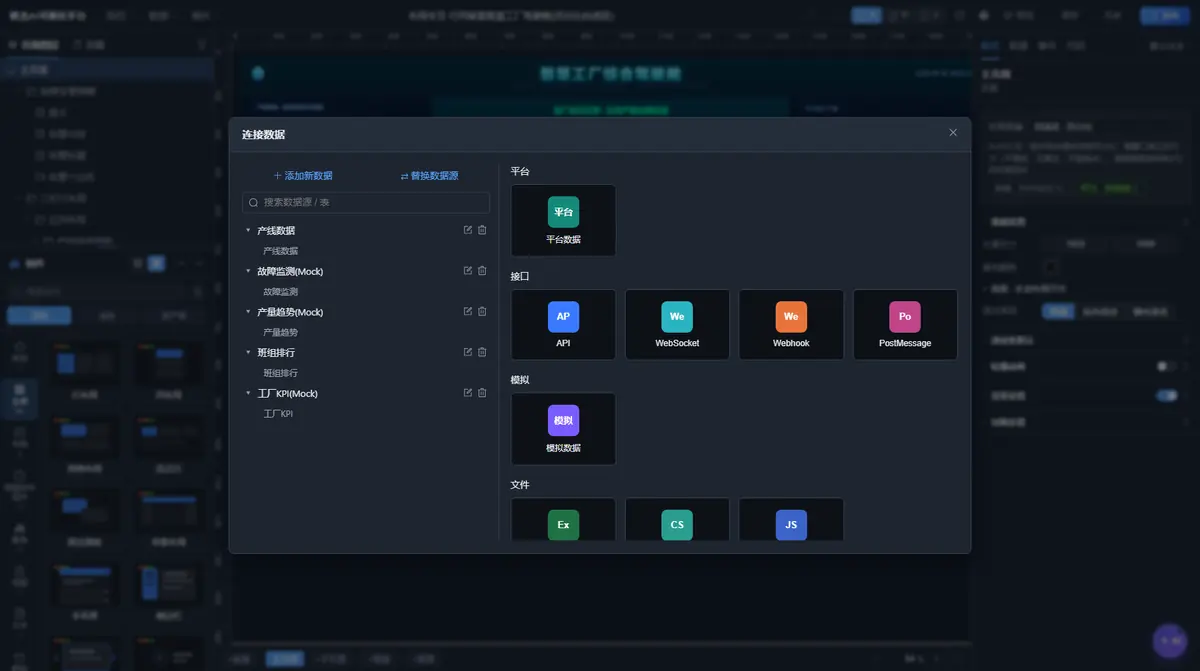
Pick from 300+ sample projects or categorized templates, with quick search
- 02
Build pages
Drag components, bind data, configure interactions — or just let AI build it
- 03
Preview & publish
Drafts and published snapshots are saved separately; publishing gives you a /view link
- 04
Deliver & integrate
Embed via iframe or SDK, or export project JSON and a source package for custom development
Four kinds of visualization, one screen
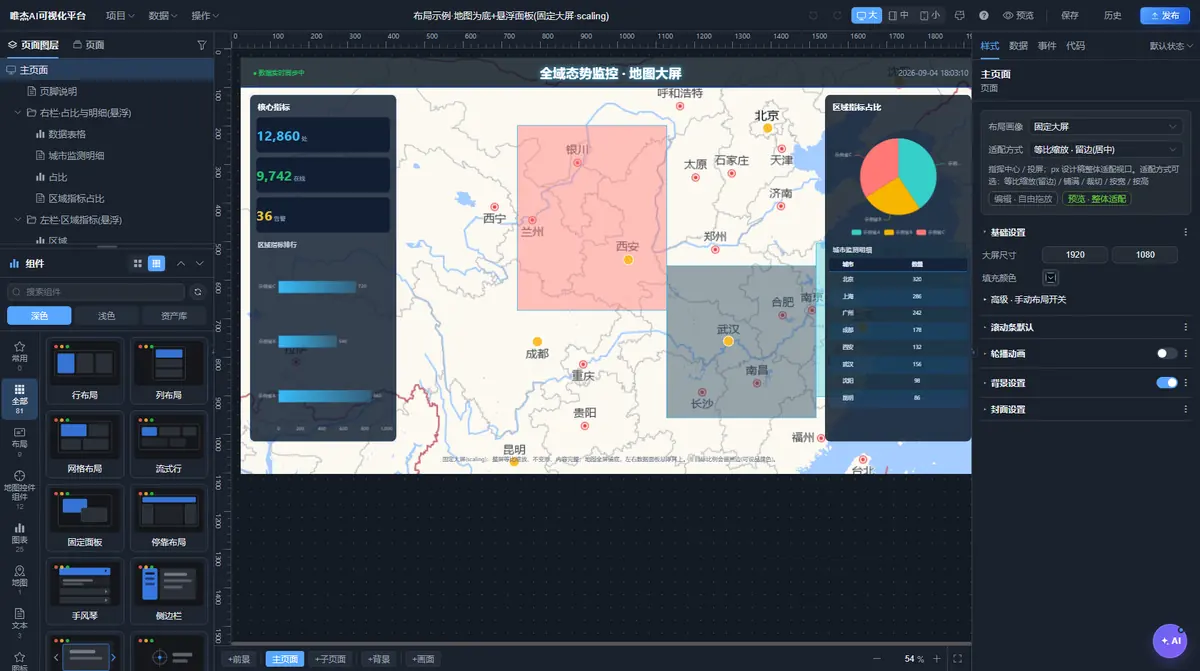
2D maps: CAD and web basemaps
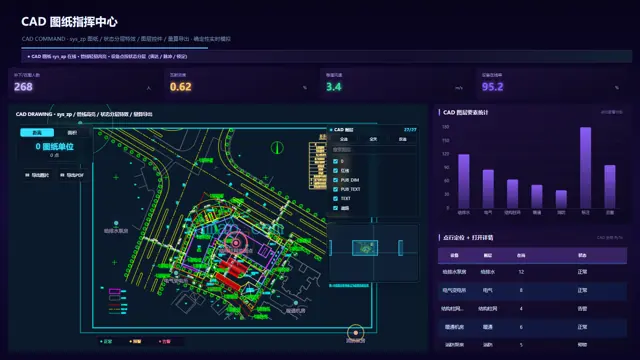
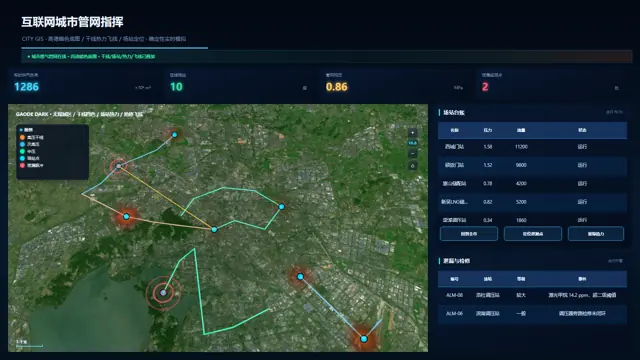
Built on the VJMAP engine with both CAD and geographic coordinate systems, so Amap, Tianditu, OSM and DWG drawings can be overlaid on one another.
- WMS / WMTS service support
- Point, track, heatmap, area and other map layers
- Layers, measurement and overview map on real CAD basemaps
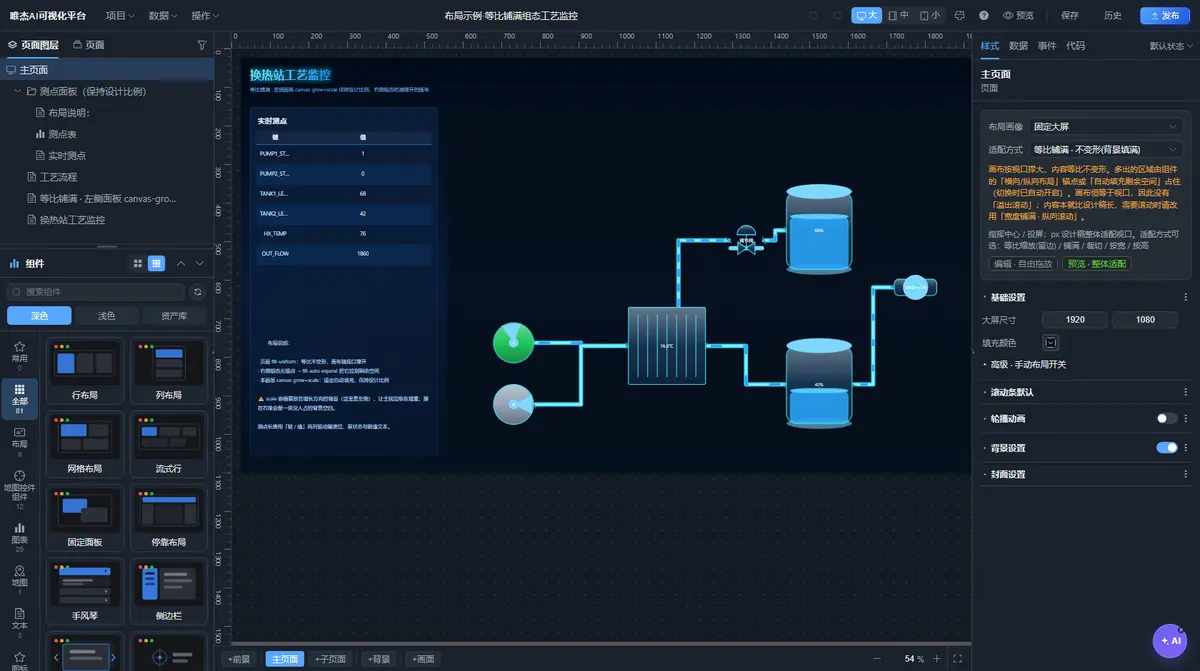
SCADA: process flows driven by live tags
SVG process diagrams driven by tag data, with animated flow lines and 2.5D isometric views. 100+ industrial symbols work out of the box.
- Pumps, valves, tanks, pipes and more industrial symbols
- Animated flow lines linked to equipment status
- Tiered alarms and closed-loop control
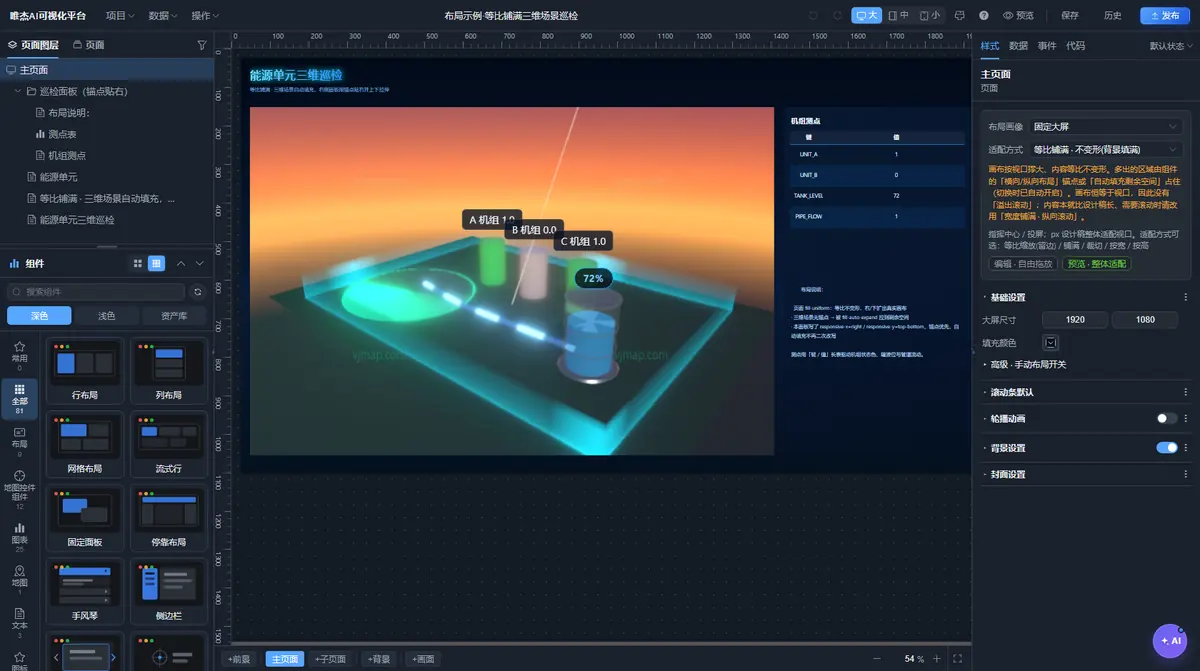
3D twins: WebGPU by default
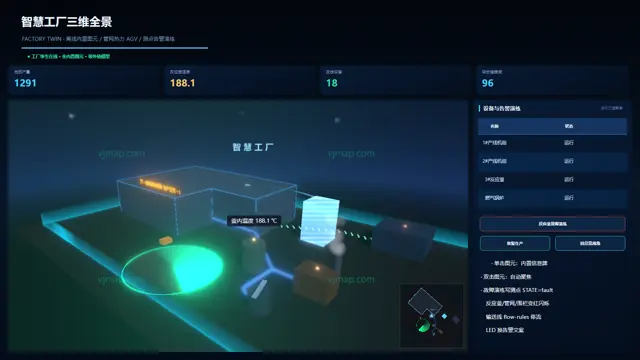
41 types of 3D elements, rendered with WebGPU by default with WebGL fallback. Supports oblique photography and CAD-to-3D.
- 3D scenes for parks, factories, utility tunnels and more
- Camera inspection tours and cross-scene navigation
- Linked with 2D maps and SCADA on the same page
Multi-source data & event orchestration
Platform data, APIs, WebSocket, Webhook, PostMessage, mock data and Excel / CSV / JSON. Bind components by connection, table and field.
- Rules, filters and linked components
- Triggers → actions: multi-state, timers, page switching, pop-up windows
- Proportional fill, percentage-based scaling and S/M/L breakpoints
Build pages together with AI
Editor AI assistant
An AI assistant in the bottom-right corner with Q&A and an activity log; annotate screenshots and send them to multimodal models.
Page MCP
Turn on “Let AI control this page” and AI can read the structure, change properties, switch pages, open windows, push data, check its work via screenshots and save.
Official MCP
https://vjmap.com/server/vp/mcp: look up components and docs, fetch examples and validate projects.
SDK embedding
createVpViewer mounts a project, ctx.setData pushes data and ctx.on listens for events.
Two-way code
Export .vp.tsx to edit the whole page in code, then compile it back to project JSON.
Four ways to deliver
Publish online, or export .vpproj.json, VP-TSX or a Vite + Vue project for custom development.
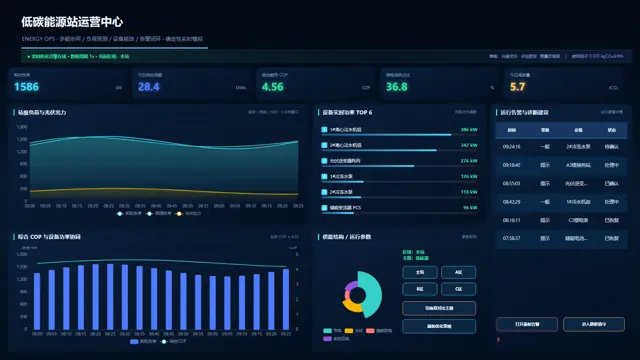
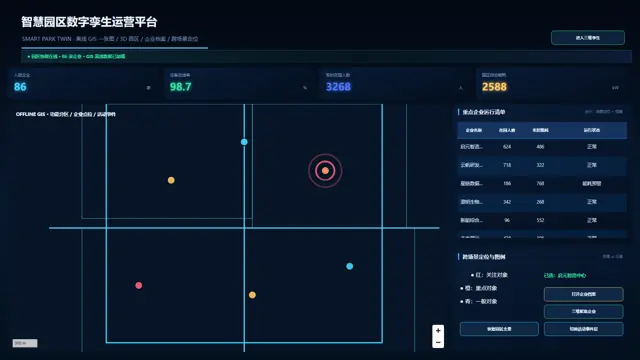
Showcase examples
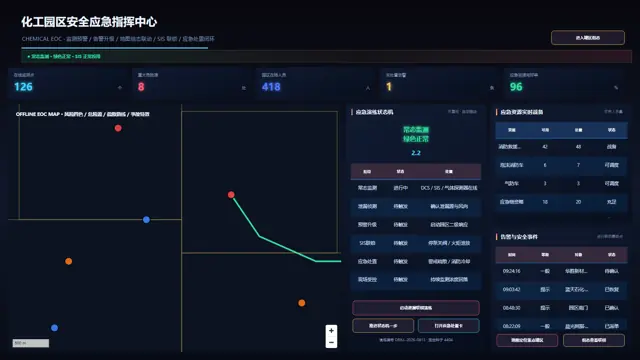
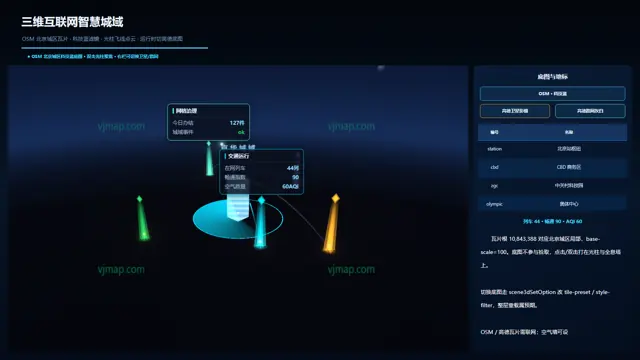
338 examples in the SDK Playground, 336 with screenshots
FAQ
How do I deliver a finished dashboard?
Four ways: publish online to get a /view link; export a .vpproj.json project file; export VP-TSX to maintain it in code; or export a Vite + Vue project with the SDK built in for custom development.
How do I just embed a dashboard in my existing system?
The simplest option is an iframe of /view?project=<id>, with zero dependencies. When you need to push data or listen for events, use the SDK's createVpViewer.
How do I get the SDK?
vjvpsdk is not yet published on the public npm registry. It is installed from a private registry or a local path (peer dependency: vue ^3.5) — contact us to get it.
Which basemaps are supported?
Web maps such as Amap, Tianditu and OSM, plus DWG drawings — and the two kinds of basemap can be overlaid on each other.
Which AI model does it use?
Any OpenAI-compatible endpoint can be configured (the examples use Qwen), and users can add their own endpoints.
How do I get a license and a quote?
Contact us through the WeChat official account or customer service WeChat at the bottom of this page.
Related products
Build your first dashboard today
Start from a template, or just tell the AI what you want.