---
title: Search Documentation
source: https://vjmap.com/en/guide/vjdoc.html
---
# Search Documentation
## VJMap Development Assistant
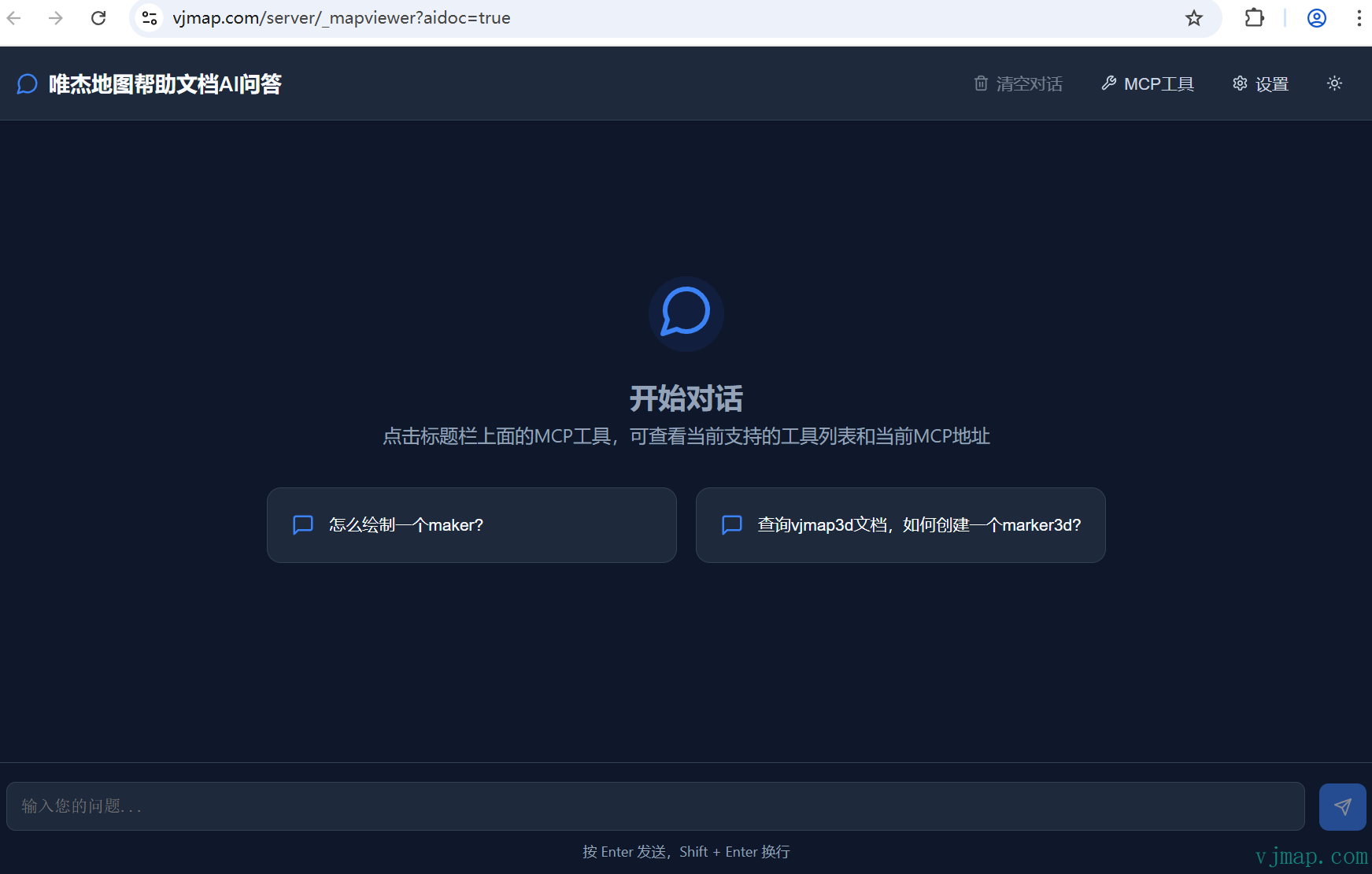
[VJMap Documentation MCP Deep Search](https://vjmap.com/server/_mapviewer?aidoc=true) https://vjmap.com/server/_mapviewer?aidoc=true
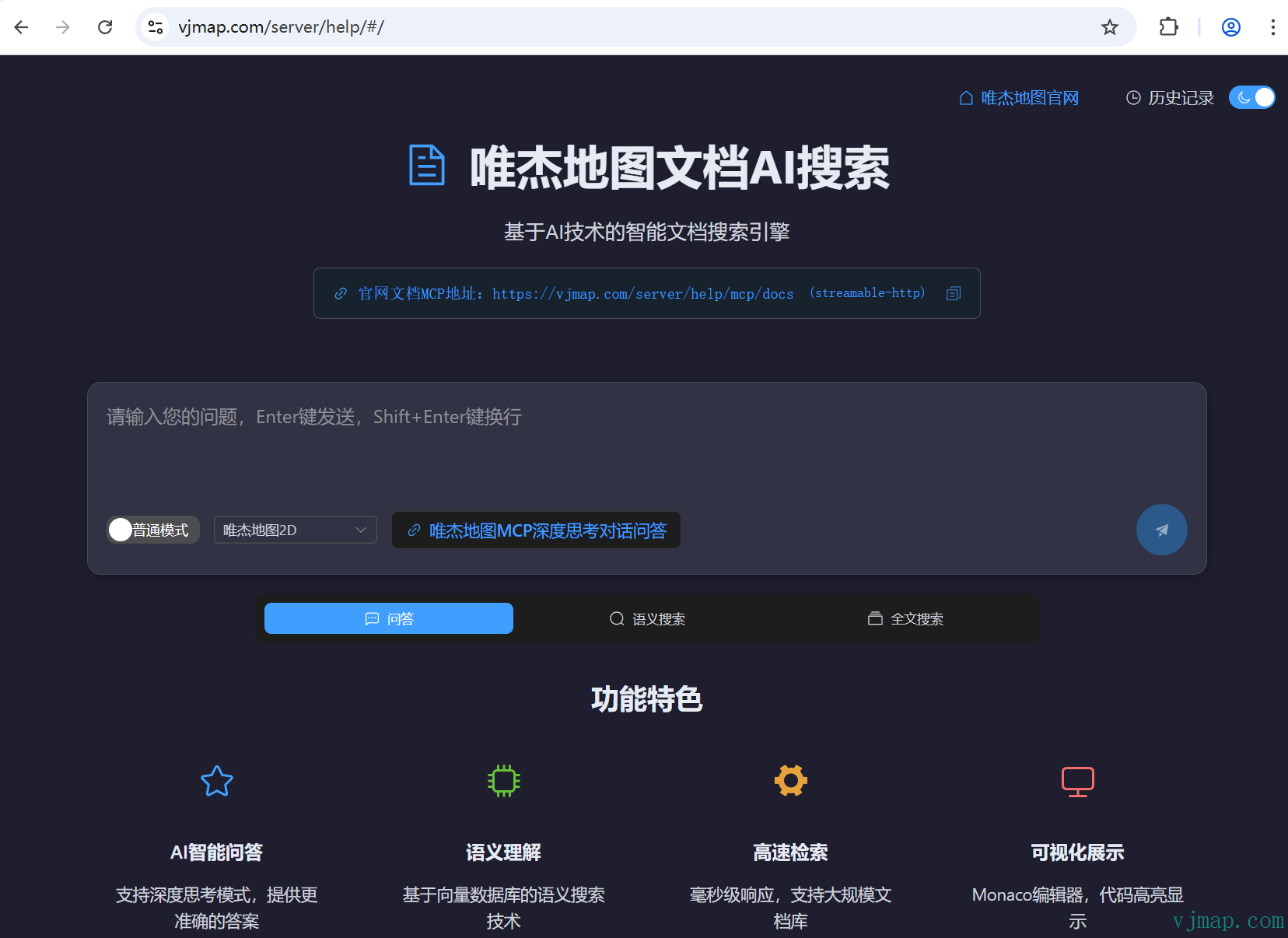
[VJMap Documentation AI Search](https://vjmap.com/server/help/#/) https://vjmap.com/server/help/#/
## Website Documentation Search
The website documentation uses `Algolia` for search, not full-text search. Some functions may not be found. In that case, search the type definition files.
## Search Type Definition Files
[Open type definition file](https://vjmap.com/guide/typescript.html), then use `Ctrl+F` to search
## Search Code in Demo Examples
The demo examples have a search box in the top-left for code and descriptions. Use the debugger: add `debugger` in the demo, press F12, and click the run button on the right of the code panel to debug.
## Search Local Example Codebase
Download the VJMap open-source example code from Git to your machine. Search locally for function usage or debug the examples.